We use cookies to ensure you have the best experience on our website. If you continue to use this site, we will assume that you agree with our
Privacy Policies , Use Terms
and cookies.
Learn what the Idle Time History is and how it works in Monitoo
Records the periods considered idle, defined as 2 minutes without keyboard or mouse interaction.
It also shows the duration of each interval, helping to identify patterns and opportunities to improve productivity.
1 minute readUpdated on 18/11/2026
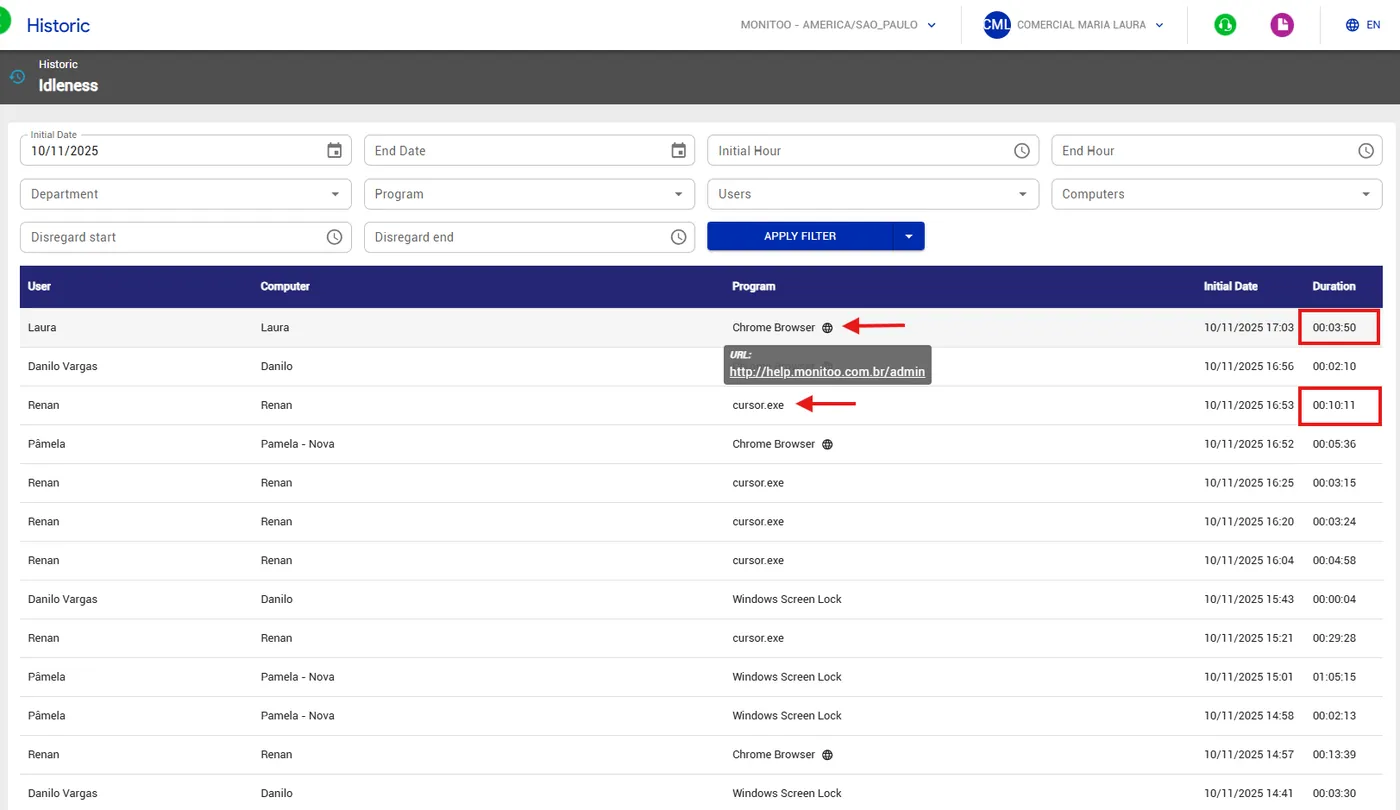
The Idle Time History shows which programs were classified as idle. By default, any time without keyboard or mouse interaction longer than 2 minutes is recorded as idle (this setting can be adjusted).
The report details the duration of each idle period and identifies in which programs employees remained inactive, providing a clear view of moments of inactivity.
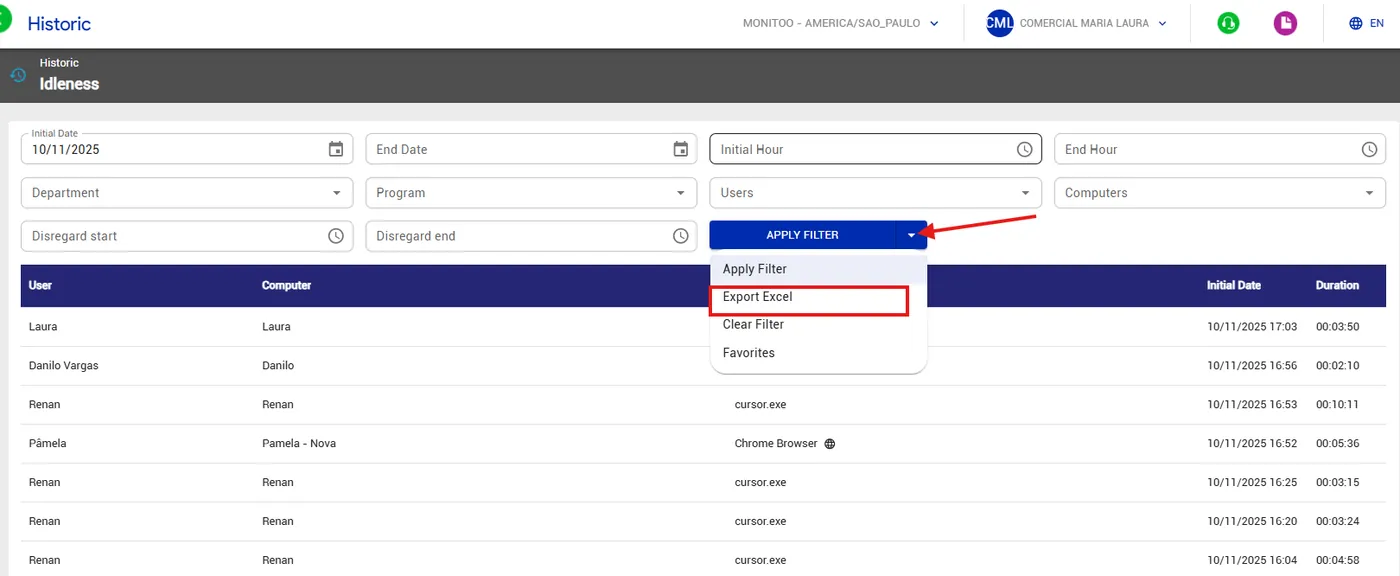
It is also possible to export to Excel for a more detailed view.